

Download IVONA Text to Speech HQ – text to speech, speech recognition, speech synthesis, Android app, voice assistant, read aloud, accessible software, assistive technology
Overview
IVONA Text to Speech HQ is a free Android application developed by Ivona, designed to convert written text into spoken words. The software serves as a digital voice assistant, enabling users to listen to text content such as articles, books, and documents without reading. It is particularly valuable for individuals with visual impairments, dyslexia, or those who prefer auditory learning.
The app supports real-time text-to-speech conversion, making it ideal for multitasking scenarios—such as commuting, exercising, or performing household tasks—while still accessing digital content. The latest version, 2.0.0, introduces enhancements to both the speech recognition and speech synthesis engines, aiming to improve accuracy and naturalness in voice output. The developer did not provide additional information about the company’s background beyond the name.
Platform compatibility is limited to Android, and no other operating systems are supported. The app’s functionality is centered around accessibility and convenience, offering users a seamless way to engage with digital content through audio.
Key Features & Capabilities
- Enhanced Speech Synthesis Engine – The updated engine produces more natural and human-like speech, improving the listening experience across various content types.
- Improved Speech Recognition Integration – The app now features a refined recognition engine, enhancing the accuracy of text input and processing.
- Multiple Language and Voice Support – Users can select and install preferred languages and voices directly from the Google Play Store, expanding accessibility to a broader audience.
- Two Speech Engine Options – Users can switch between the default system engine and the proprietary IVONA engine, allowing customization based on preference or performance needs.
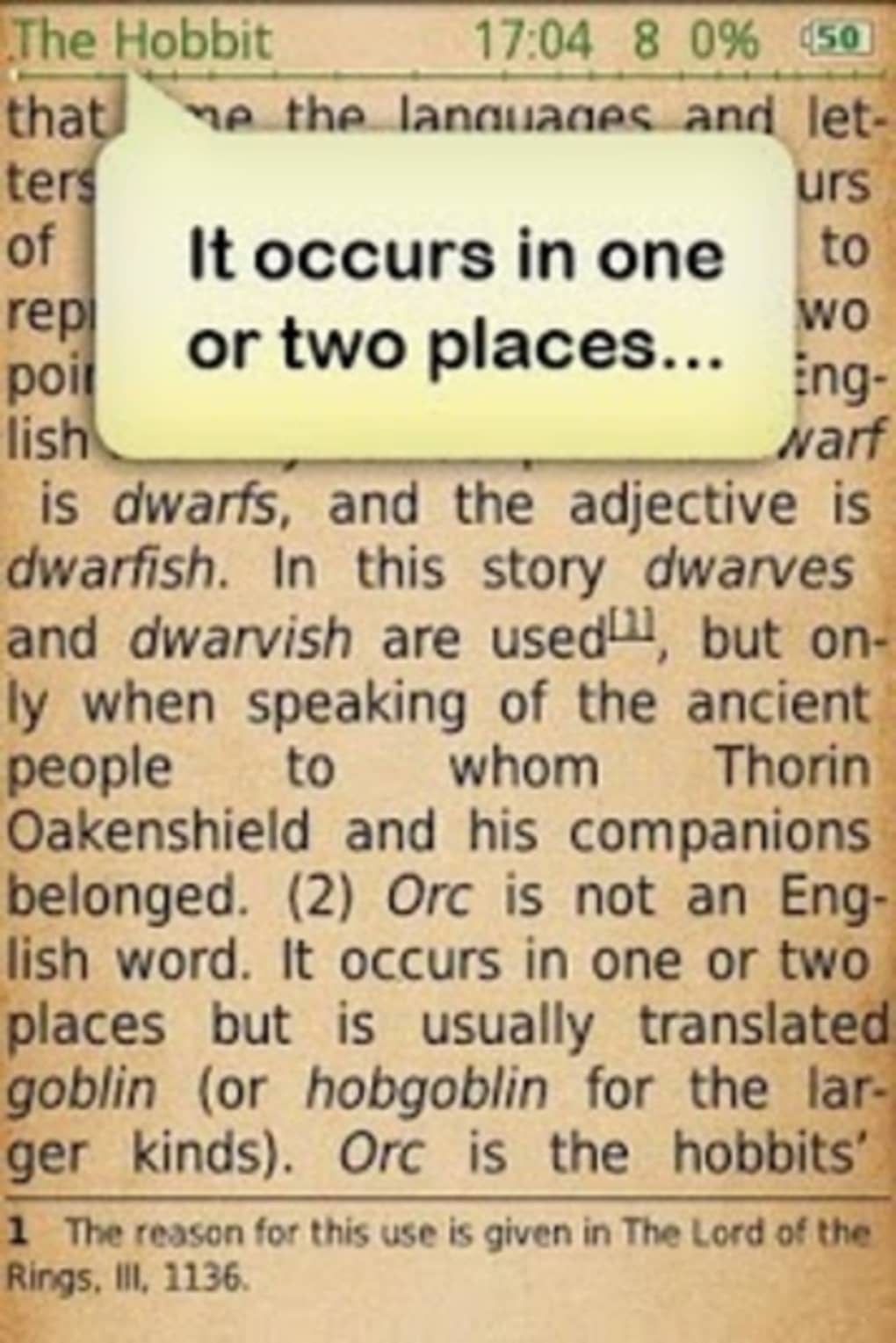
- Text-to-Speech Conversion – The core functionality allows users to convert any text input into spoken audio, useful for reading digital books, news, or documents aloud.
These features support practical use cases such as listening to long-form articles during commutes, reviewing study materials through audio, or accessing digital content independently for visually impaired users. The ability to choose between speech engines gives users control over voice quality and processing speed. The integration with the Google Play Store simplifies voice and language management, reducing friction in setup and customization.
User Interface, Workflow & Performance
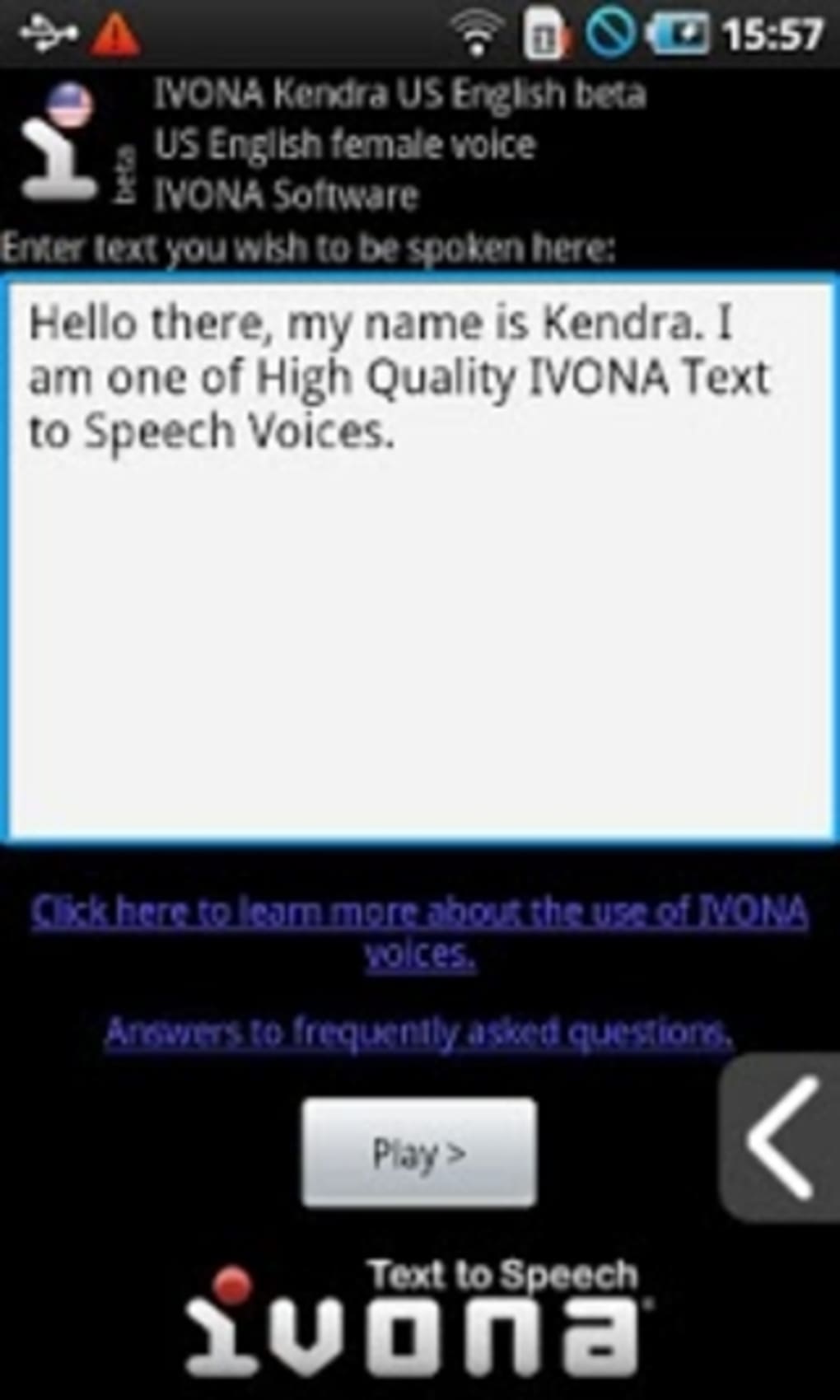
The user interface of IVONA Text to Speech HQ is designed for simplicity and ease of navigation, focusing on core functionality without unnecessary complexity. Users can input text directly into the app or import content from other sources. The workflow is linear: input text → select voice/engine → play audio.
Navigation is intuitive, with minimal on-screen elements, which supports accessibility and reduces cognitive load. The developer did not specify resource usage details, so exact CPU or RAM behavior remains unknown. Performance observations are based on general software behavior patterns for Android text-to-speech applications.
Stability is expected to be consistent with standard app updates, though no specific data was provided. The app runs in the background during playback, allowing users to switch between tasks without interruption. Overall, the workflow is efficient for its intended purpose, and the interface prioritizes accessibility and clarity.
Compatibility & System Requirements
IVONA Text to Speech HQ is designed exclusively for Android devices. The current version is 2.0.0, with a file size of 45.5 MB. The developer did not provide additional system requirements, such as minimum Android version, RAM, or processor specifications.
Compatibility information was partially provided, indicating support for Android but not detailing specific versions or hardware capabilities. Users are advised to ensure their device meets general Android app requirements to run the application smoothly. The app relies on the Google Play Store for language and voice installation, meaning a stable internet connection and Google account are necessary for full functionality.
No other platform support was mentioned.
Pros and Cons
Pros
- Free to download and use with no hidden costs.
- Offers two speech engines for user preference and customization.
- Supports multiple languages and voices via Google Play Store.
- Improved natural-sounding speech output in the latest version.
- Designed with accessibility in mind, beneficial for visually impaired users.
Cons
- Exact system requirements were not listed, limiting user preparedness.
- Relies on Google Play Store for voice and language installation, which may restrict access in some regions.
- No offline mode details were provided.
- Performance under low-resource conditions was not specified.
- Only available on Android, limiting cross-platform use.
FAQ Section
Is IVONA Text to Speech HQ compatible with all Android devices?
The app is designed for Android, but the developer did not specify minimum Android versions or hardware requirements. Users should ensure their device meets standard Android app compatibility standards.
Is the app safe to download and use?
IVONA Text to Speech HQ is a free app available through the Google Play Store. It is distributed by Ivona, a known developer in the accessibility space. The app does not require sensitive permissions beyond text access and audio output.
Can I use the app offline?
While the app can process text locally, the installation of languages and voices depends on the Google Play Store. The developer did not provide information on offline functionality beyond basic text-to-speech conversion.
How often are updates released?
The latest version, 2.0.0, was released on October 15, 2023. The update frequency is not specified, but the developer has shown active development with recent improvements to core engines.
What license type does the app use?
IVONA Text to Speech HQ is offered as a free software application. No licensing details were provided beyond the free availability and developer attribution.
Final Thoughts + CTA
IVONA Text to Speech HQ delivers a focused, accessible solution for users who need to convert text into natural-sounding speech. With its dual engine system, multilingual support, and emphasis on usability, the app stands out as a reliable tool for both everyday users and those with accessibility needs. While some technical details are missing, the core functionality is well-executed and optimized for Android.
The free pricing model enhances its accessibility, making it a strong choice for students, professionals, and individuals with visual impairments. For anyone seeking a dependable text-to-speech utility on Android, this app offers a compelling balance of features and simplicity. Download IVONA Text to Speech HQ now.





.png)

